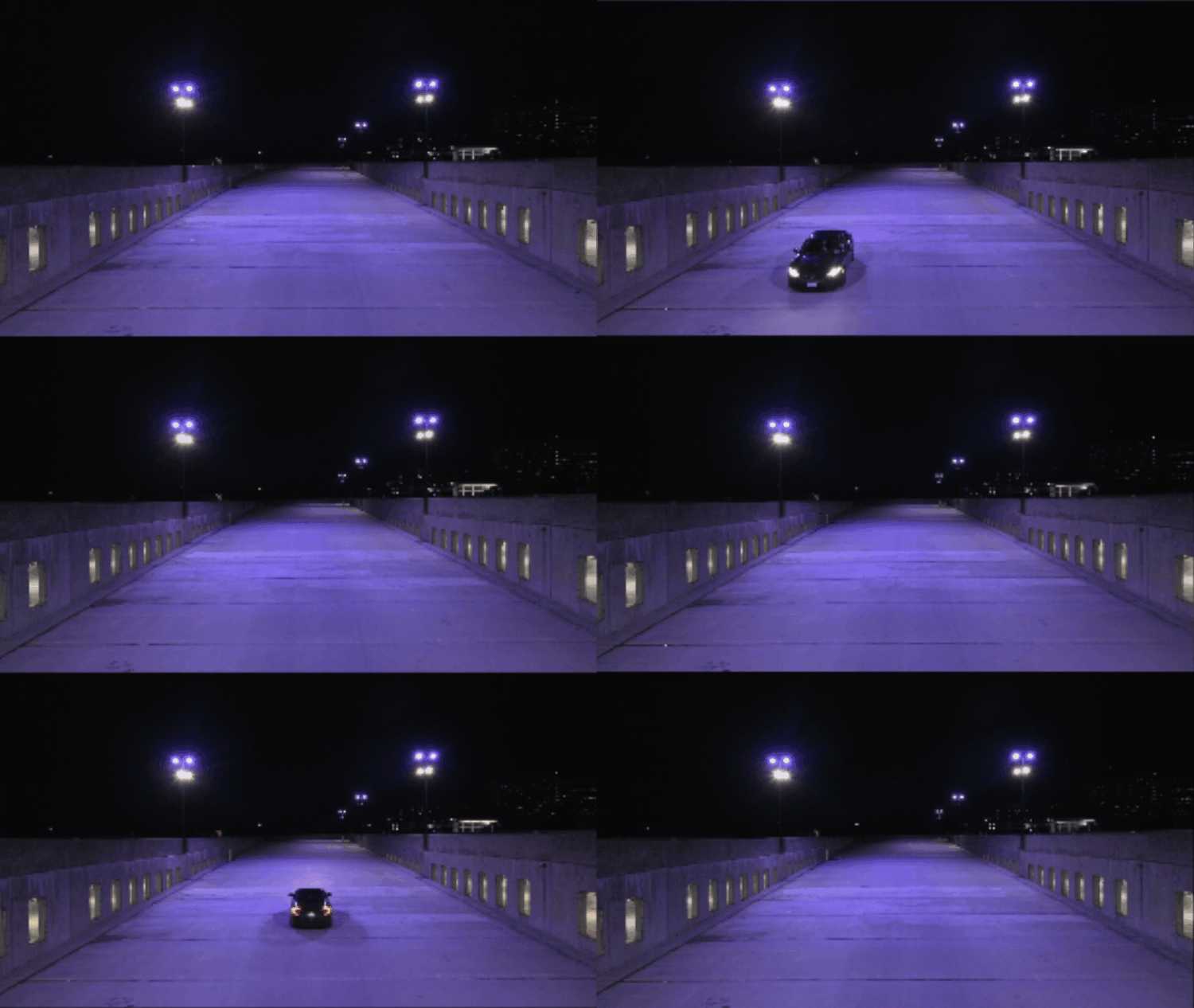
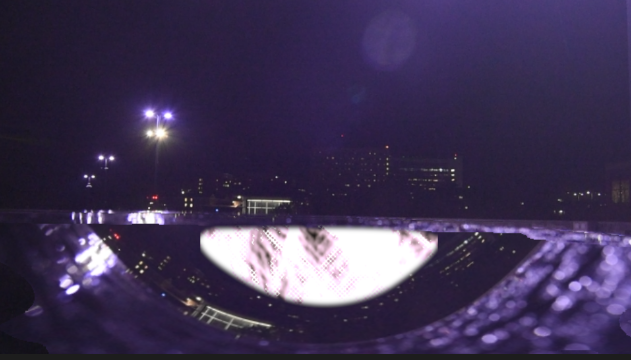
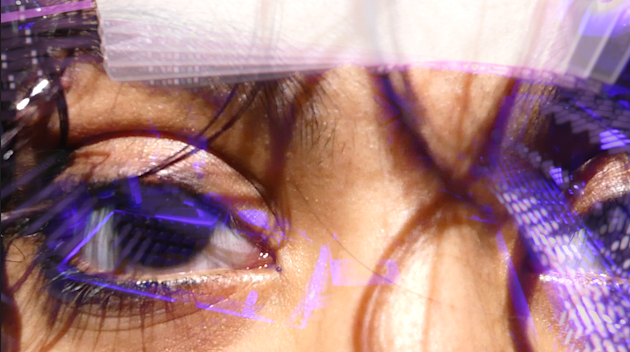
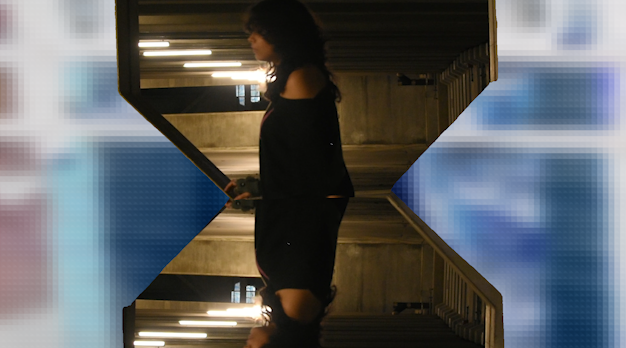
A brief demo of the TIMEBOMB website experience.
OVERVIEW
TIMEBOMB is an interactive web experience and a music video. The objective was to create a complex interactive senior project as a demonstration of my capabilities and a representation of my academic experiences. The video itself depicts the realization an important project is due with only 48 hours to create it; the first half documents the filming process, and the second half is the edited assignment itself. The website splits this experience into parts, involving the user in themed minigames meant to depict procrastination. To view the music video in it's entirety, please navigate to the 'Video' section under the WORK tab.

The following breakdown is split into segments focusing on the components that form TIMEBOMB.
WEBSITE DEVELOPMENT
Originally, I planned to have everything available from the start; I wanted the home UI to be as simple as possible.
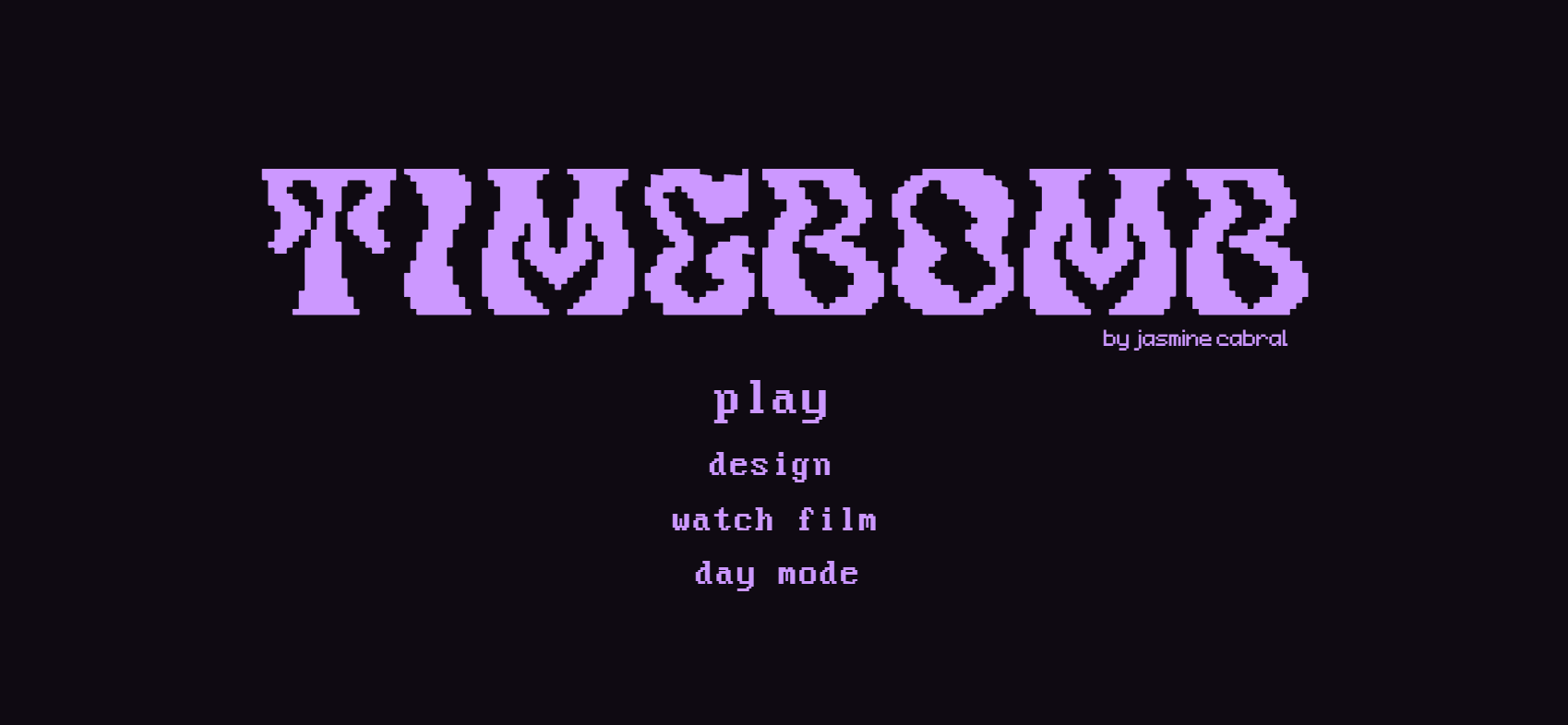
I kept the simplicity, but because I created the minigames, it made more sense to lean into the game aesthetic overall. I chose not to include the poster on the website as when I was presenting this, I had a printed and mounted version next to me.

Created with Adobe XD
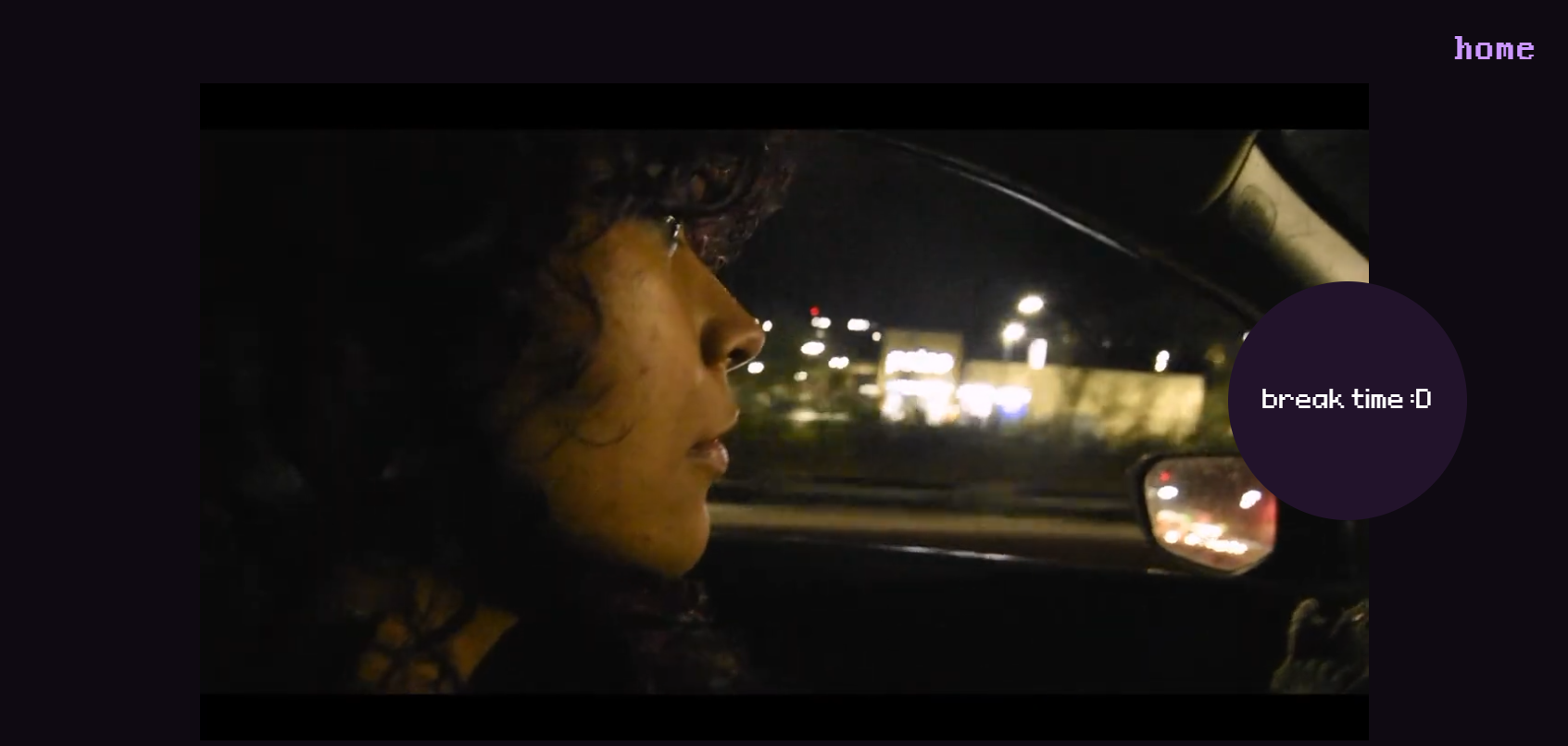
Final Readymag Version
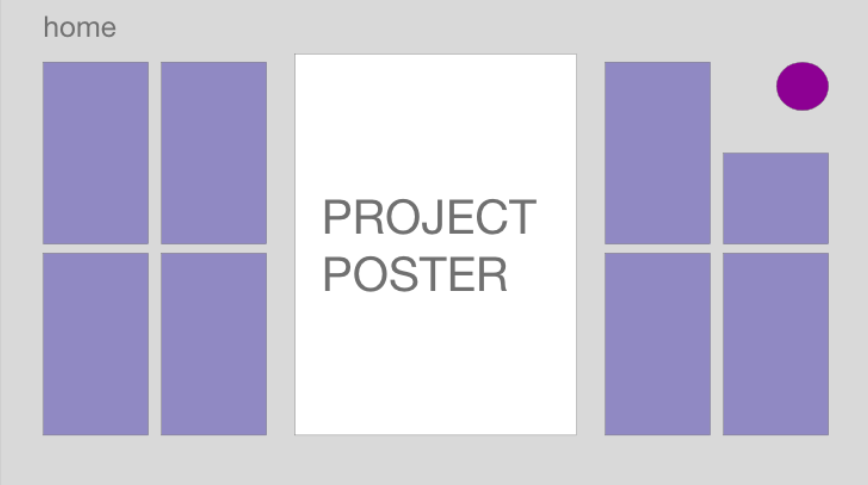
Created with Adobe XD
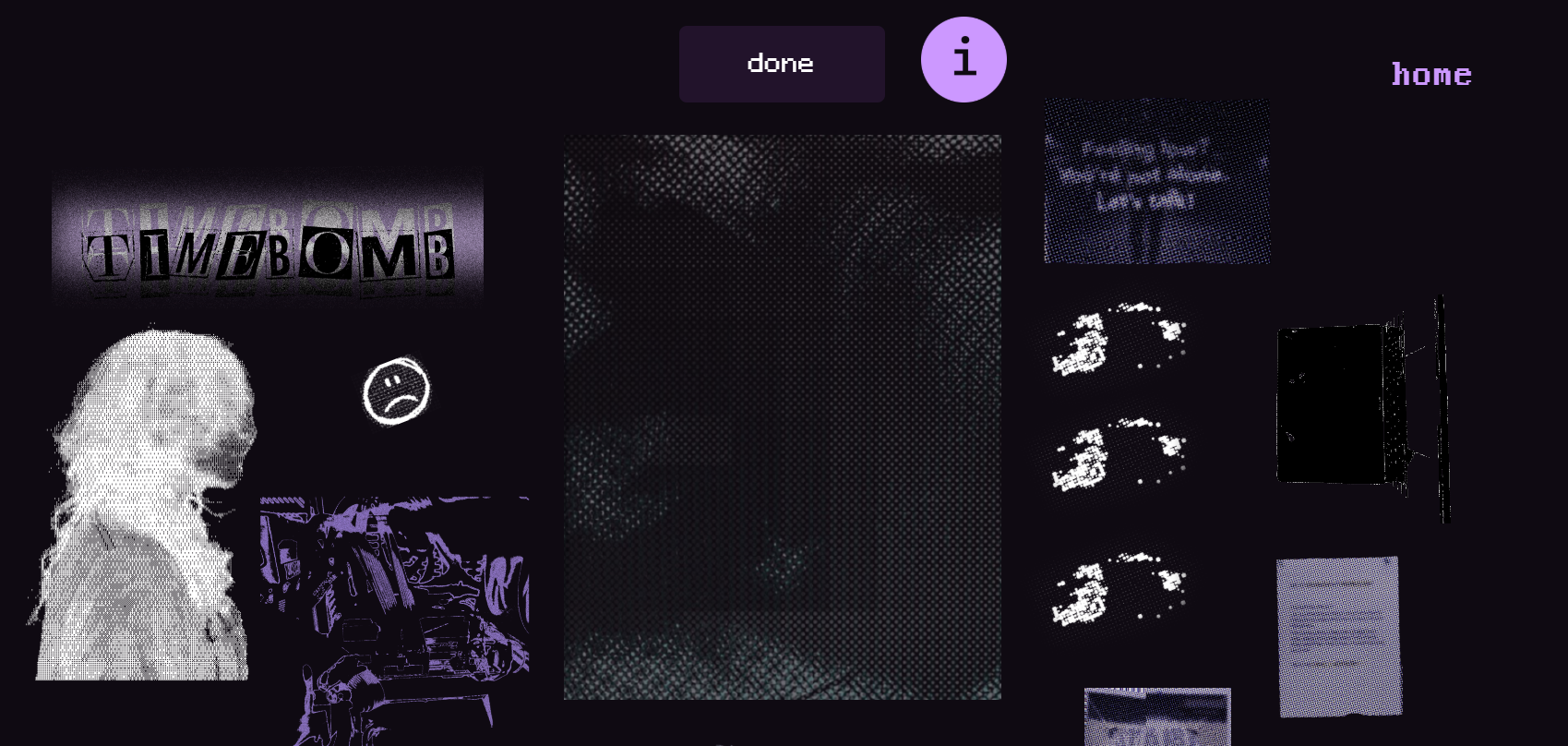
Final Readymag Version
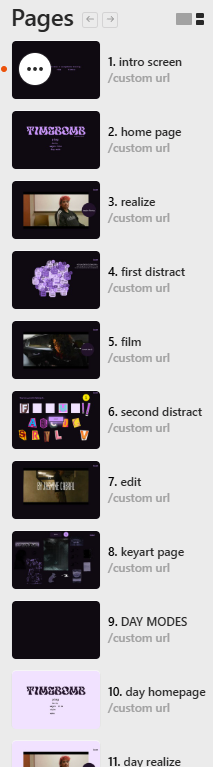
The TIMEBOMB website is a total of 8 pages, duplicated and redesigned for a day mode in case of preference. Each mode functions identically, different only in color. Below you can view each color and their hex codes; there are slight variations to maintain contrast. 
0f0a12 - dark mode background
c9b1d5 - dark mode text
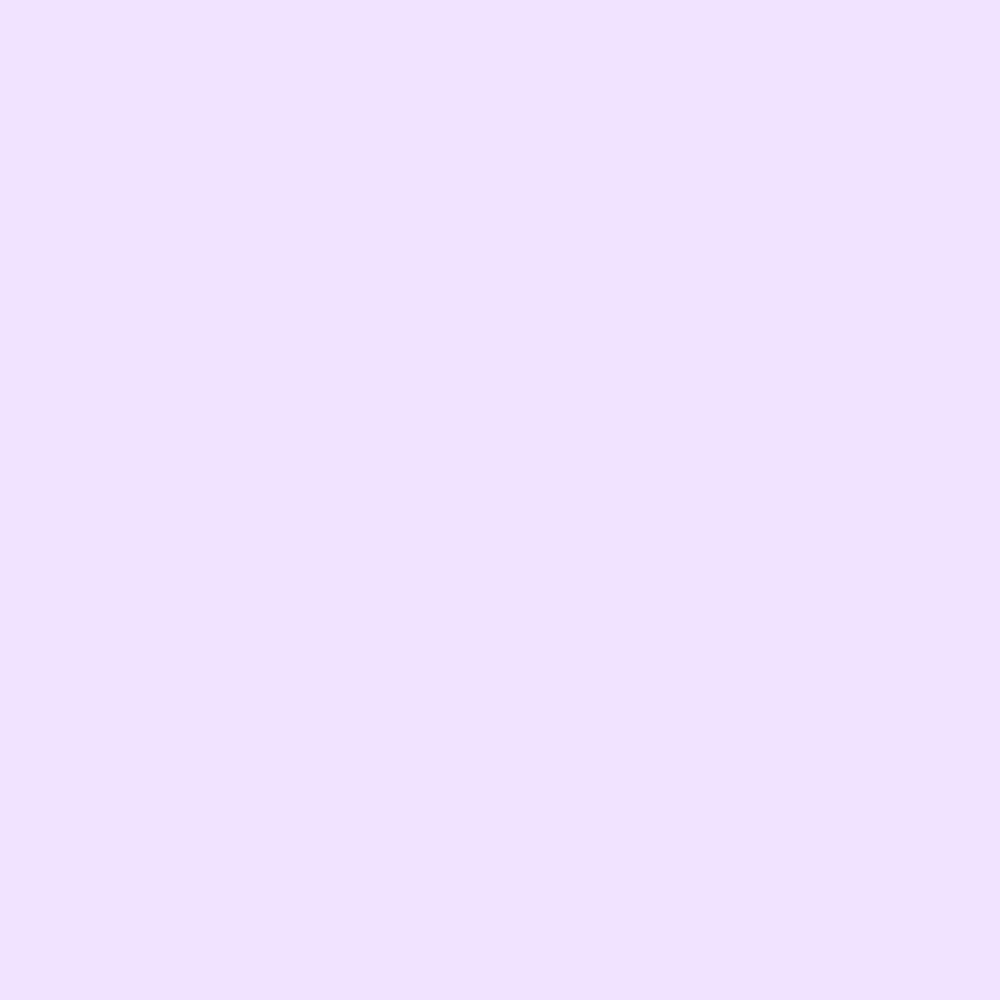
f1e3ff - light mode background

22132b - light mode text
I planned for the video's added effects to be user controlled, however these ideas were scrapped due to the capabilities of the website builder, ReadyMag. Due to my plan and the general restrictions within the builder, I was limited to injected code for my interactivity.
The solution I arrived to utilizes ReadyMag's native tools and a blend of Javascript and HTML/CSS code I wrote. I chose to split my music video into three parts, creating two simple minigames between clips. By theming the minigames, I noticed viewers felt more immersed and connected to the experience. 

Originally, this minigame had all letters draggable, and only the correct ones would lock into place. However, during the testing period of this project, users struggled to piece together a word. There were also some unfortunate words created as well. To avoid this being possible, only the correct letters are able to be dragged. While the incorrect ones still have a 'ghost' shape, they won't move from their position. 

In order to make the minigame function, I used a score system and position tracking. Every time the user clicked on a correct and moveable letter, the code runs to check if the letter lines up with it's respective box. There's a bit of 'cushioning' so to speak, as I increased the range of detection slightly for ease. If the letter is correctly placed, it's no longer able to be moved, and a point gets added to the user's score. 
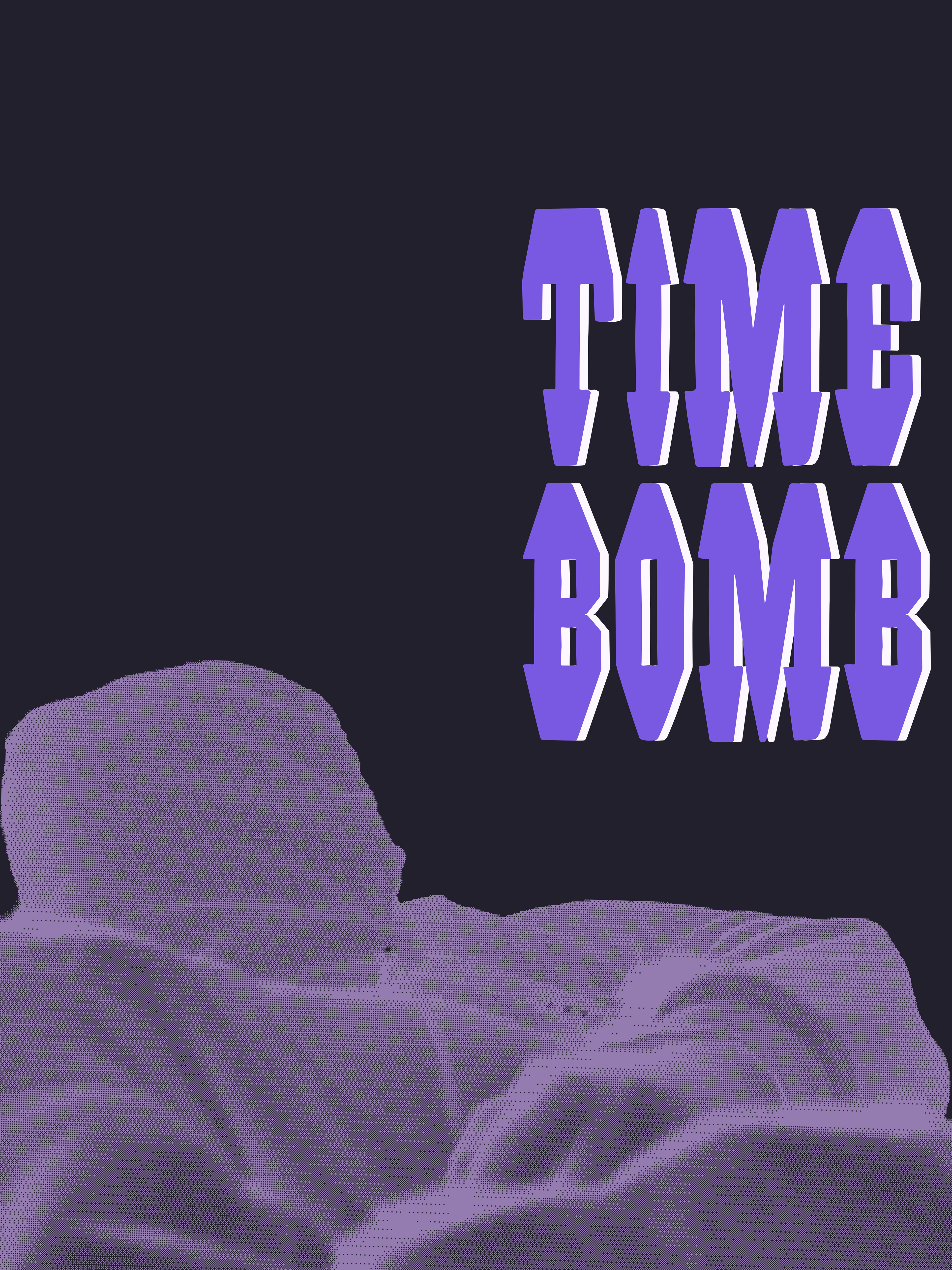
For the design game, I was inspired by dress-up games I used to play as a kid. The page features different draggable images that can be used to create a mini TIMEBOMB poster. The base is a textured overlay to mimic the original, however I included some different aspects to allow for more creativity. There's a small message describing what to do, and users can reset the game by refreshing the page.
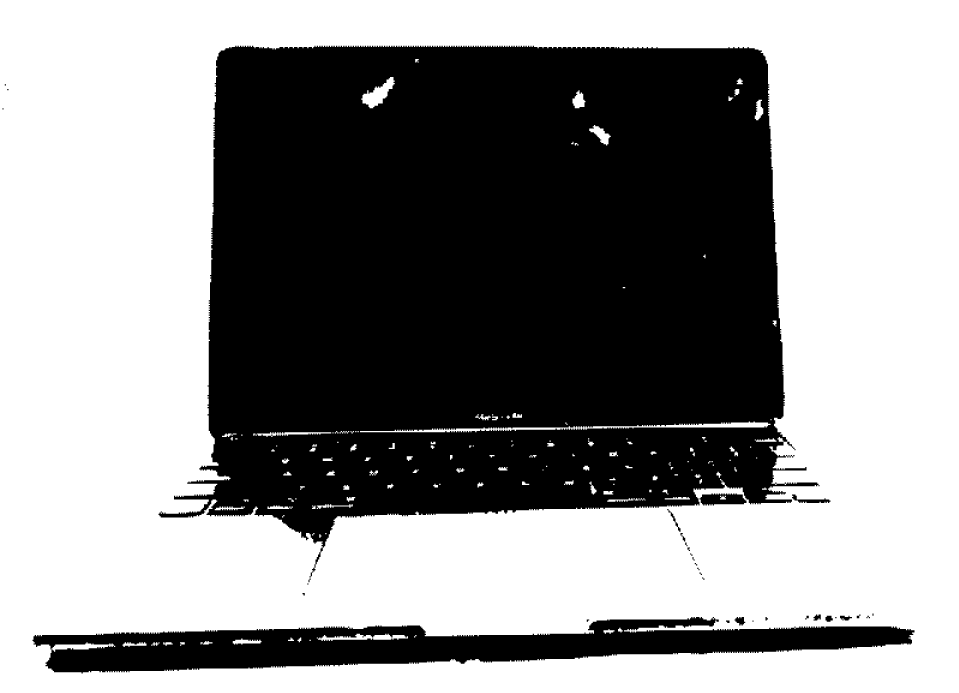
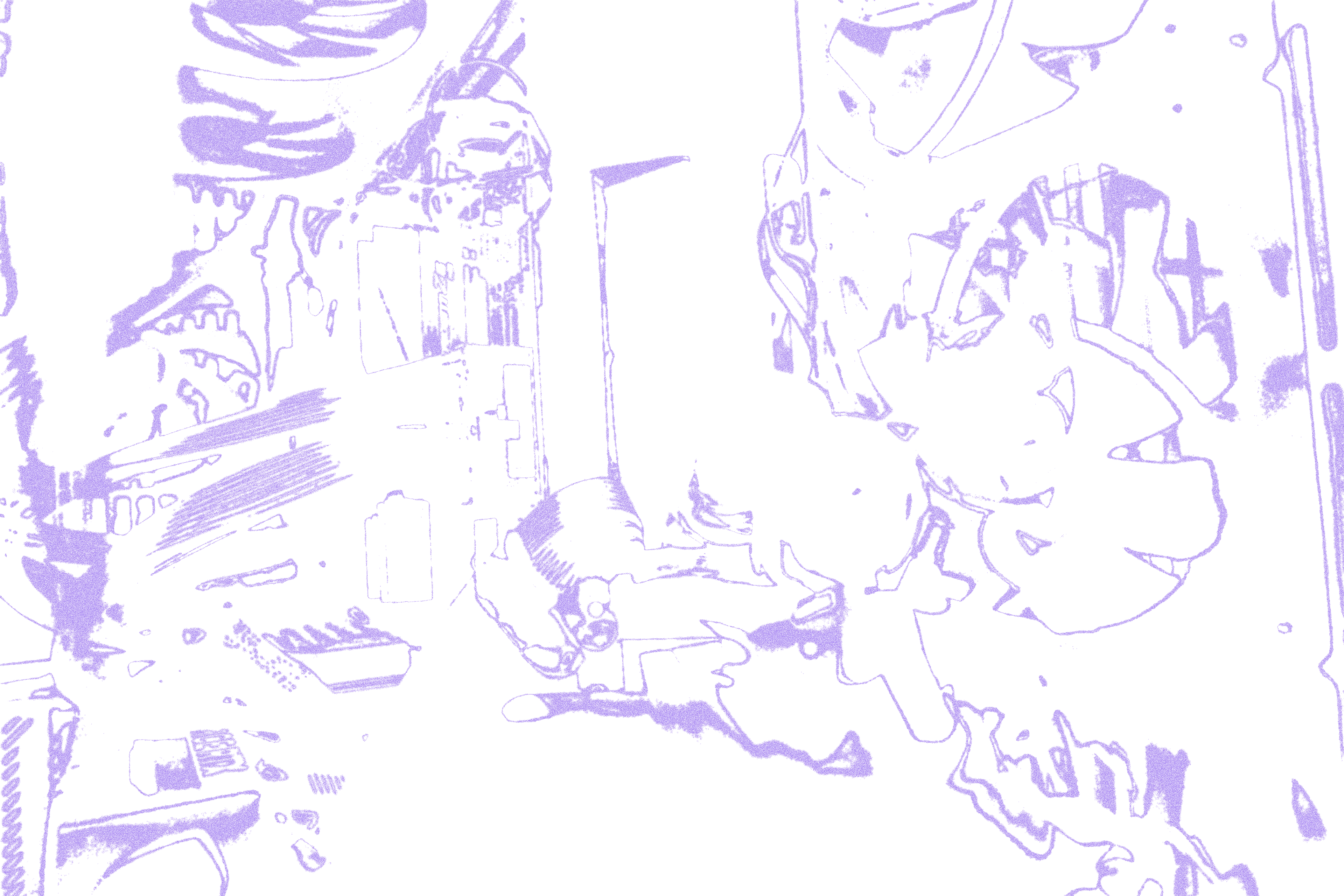
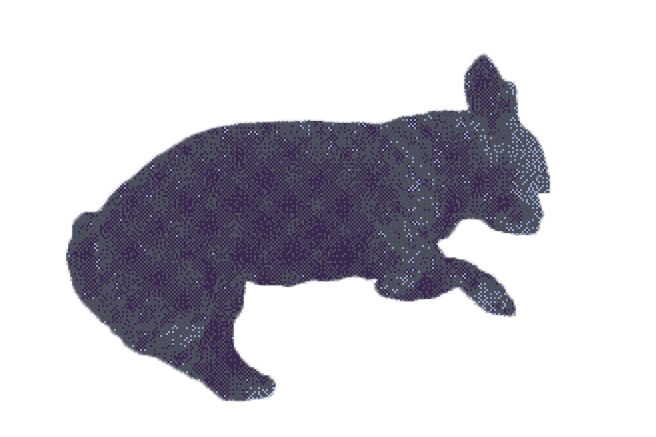
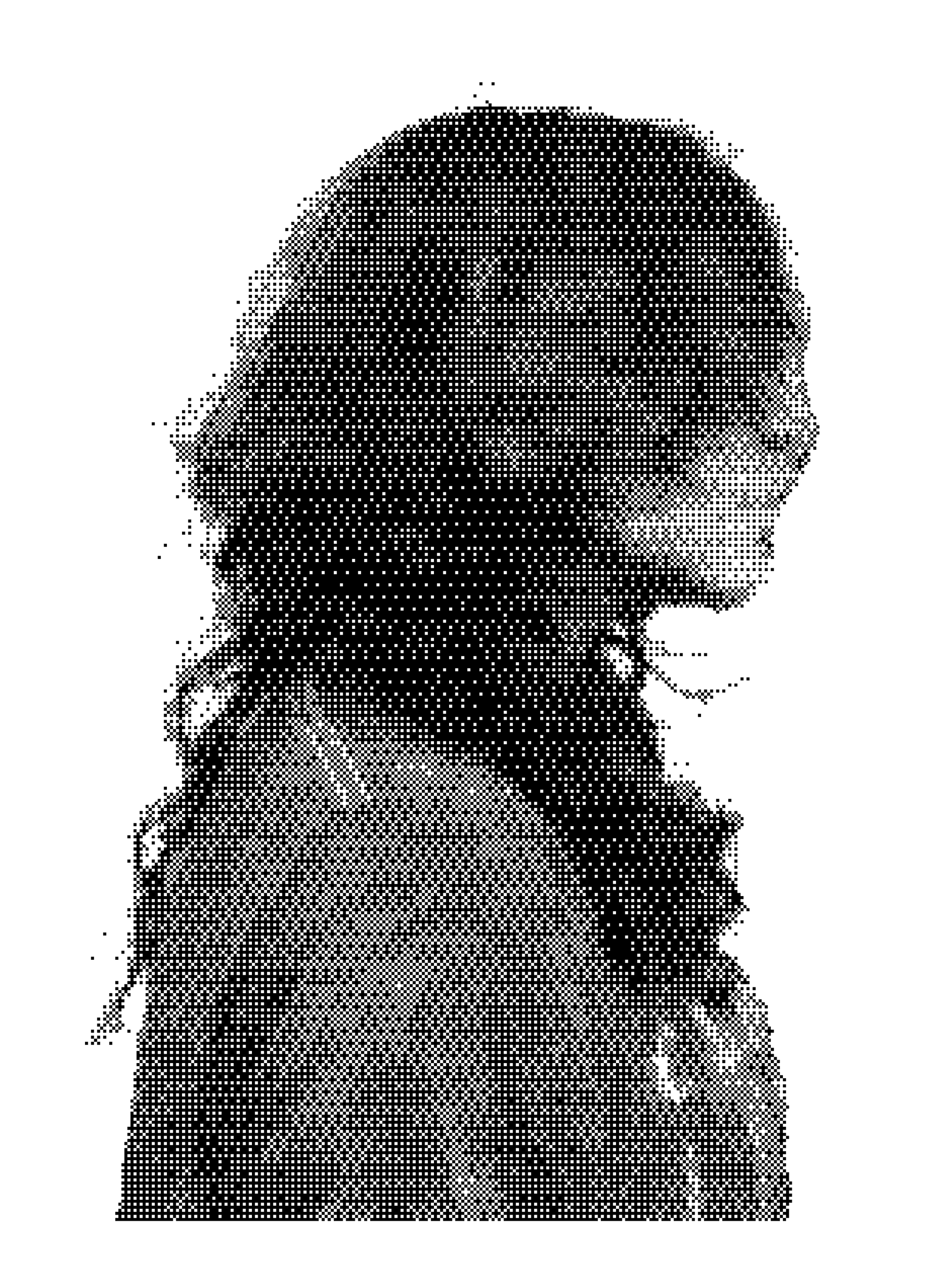
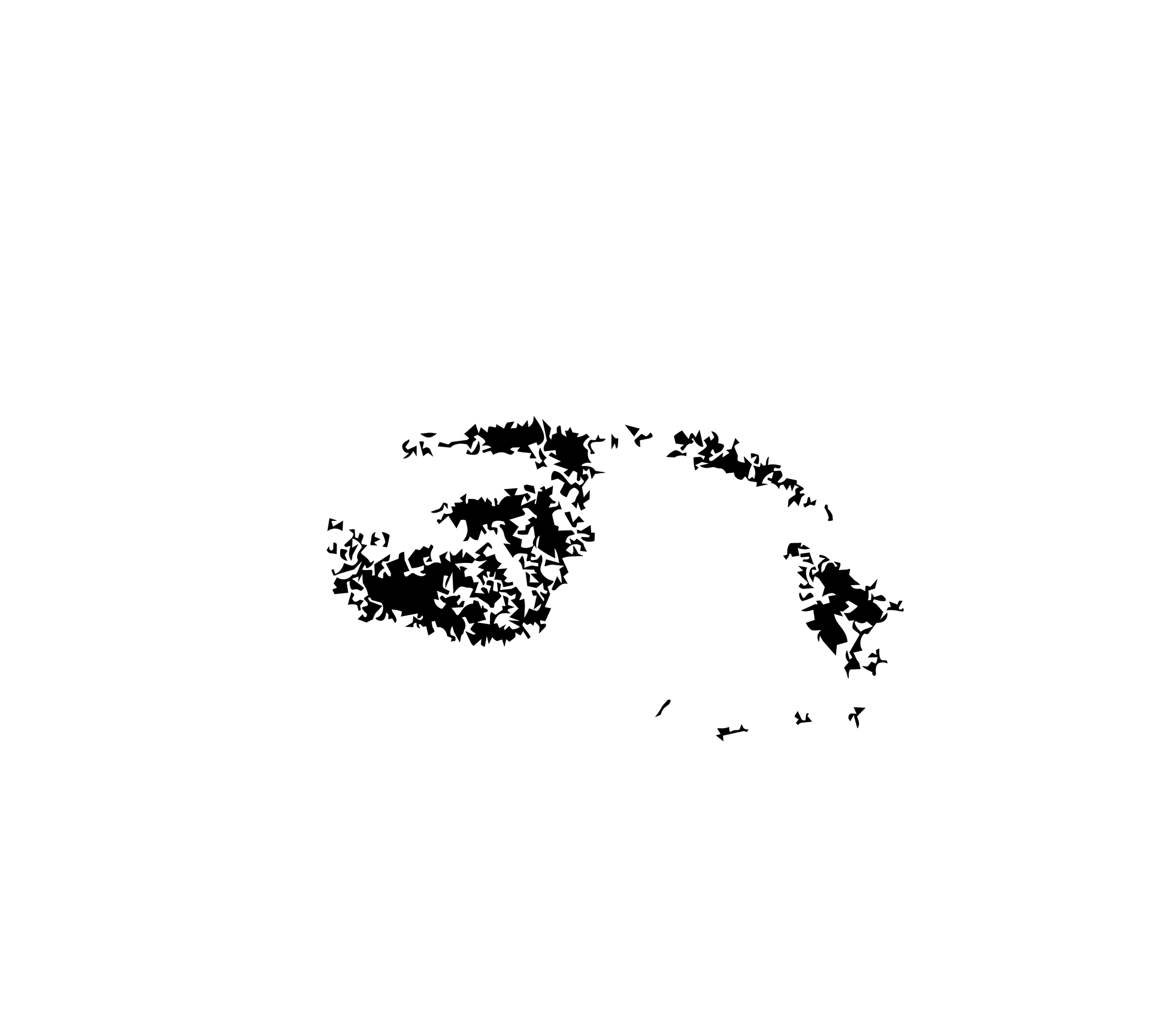
Each draggable image is either a photograph of something or a texture, with the exception of the TIMEBOMB text itself. You can view each image up close below. The side profile silhouette and the eye graphics are originally black, however I used CSS to invert the color and make it white for the website. 
POSTER DESIGN
My biggest challenge when creating a poster was deciding how exactly I wanted to represent myself and my idea of 'clutter' while keeping the design visually attractive. I began with collecting some references to what I'd like the poster to look like; my concept involved an anonymous look, but after creating the design I felt the lack of an identifiable silhouette took the personality away from everything.
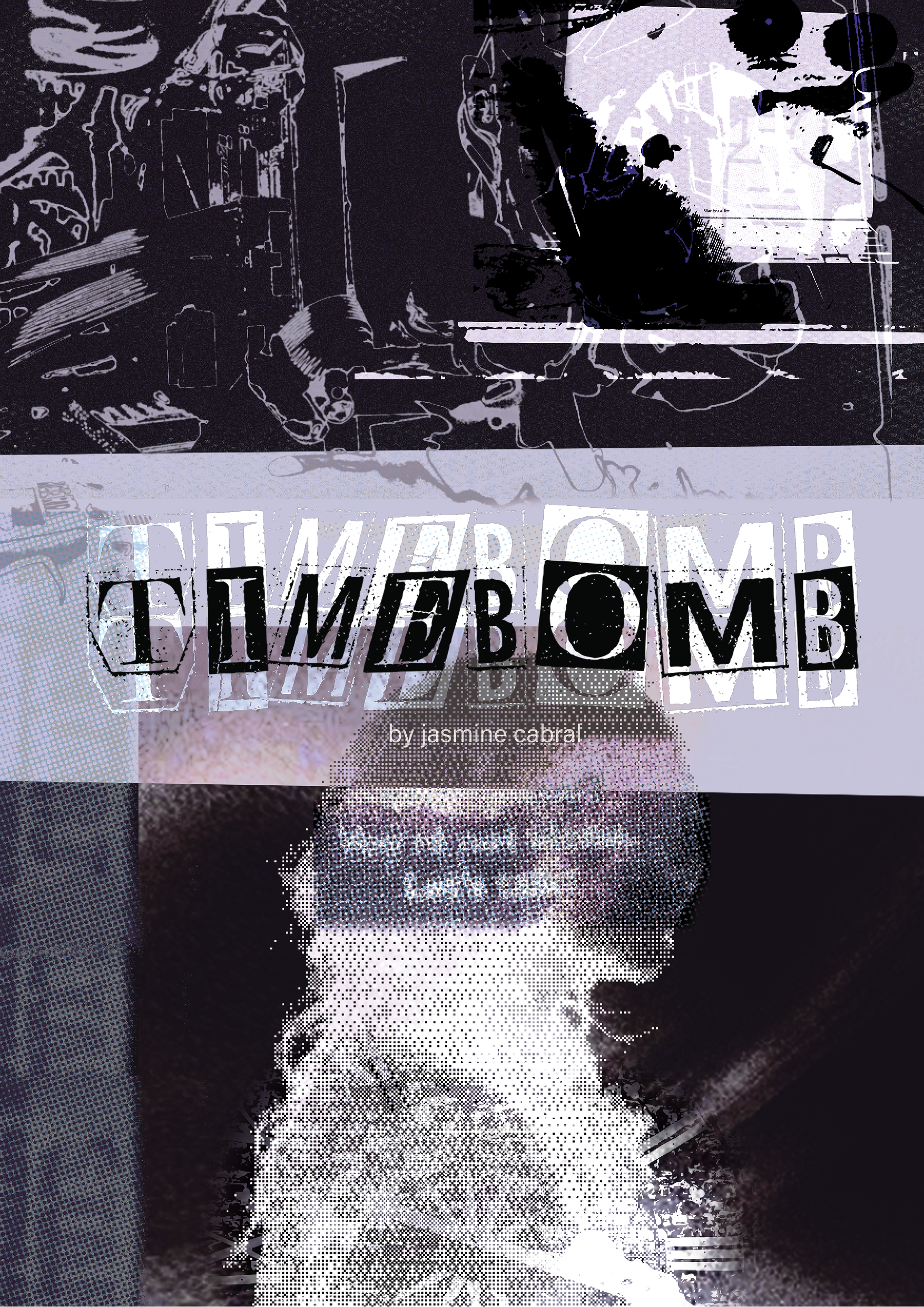
The poster design I settled on involved a lot of photography. Each image in this graphic is a photographed item of something I use regularly; my laptop, my PC, headphones, and some other small things. I used Illustrator to image trace photos such as my PC to lessen the more plain elements of it and focus on the wires. The exception to this are the posters used, one being an overlayed one advertising mental health, and another promoting positive studying habits. 
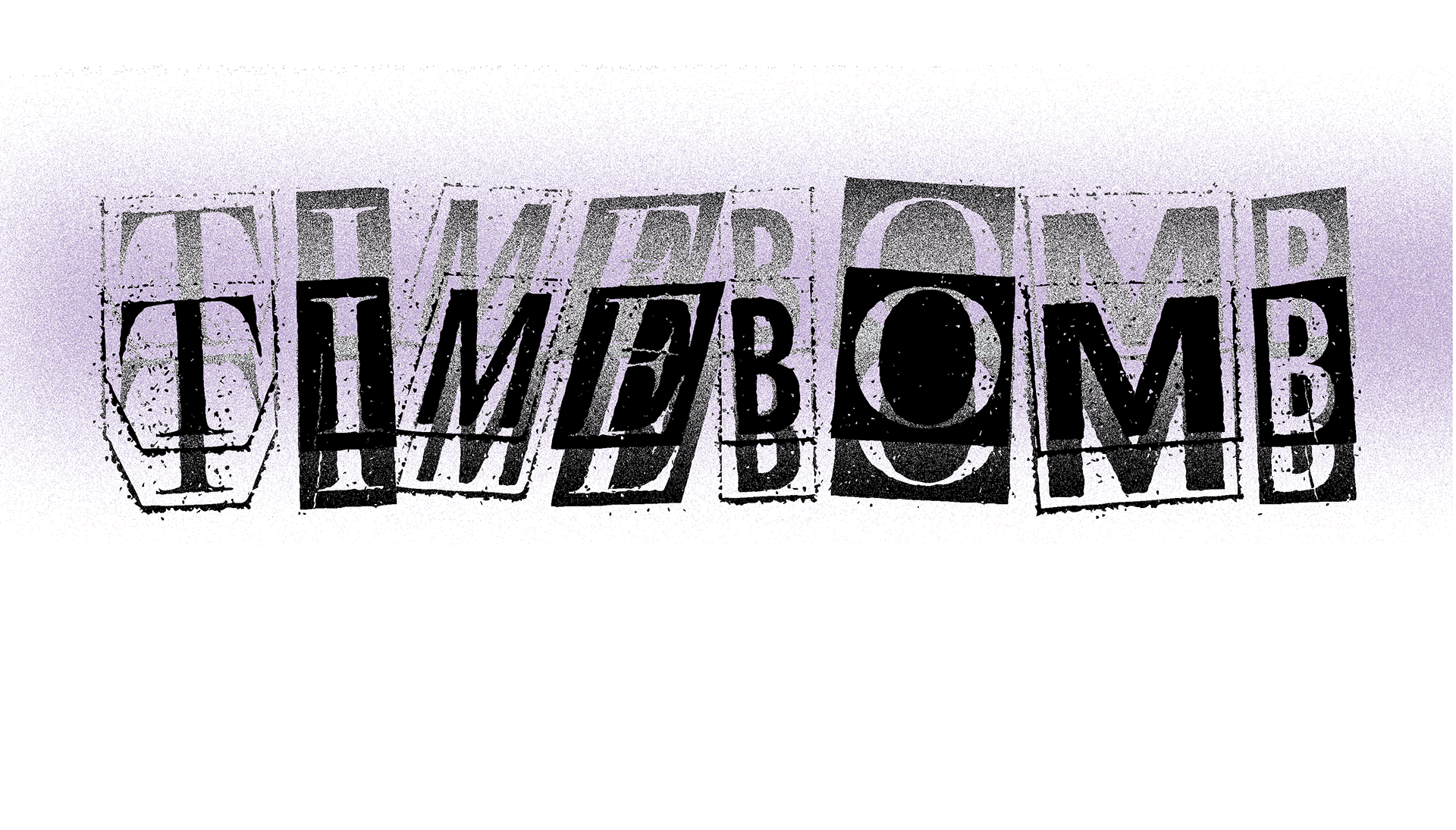
I made extensive use of bitmap effects and gradient maps to achieve the desired effects, all added during editing using Photoshop. I'm also a huge fan of textures, and I enjoyed layering noise effects and overlays to achieve the gritty halftone look here. When I added the title text, however, I noticed the original design was a bit hard to read no matter what text color I put. As a work around, I created the rectangle shape you see behind the title as a way to offer contrast and split the design in two. 
FILMING
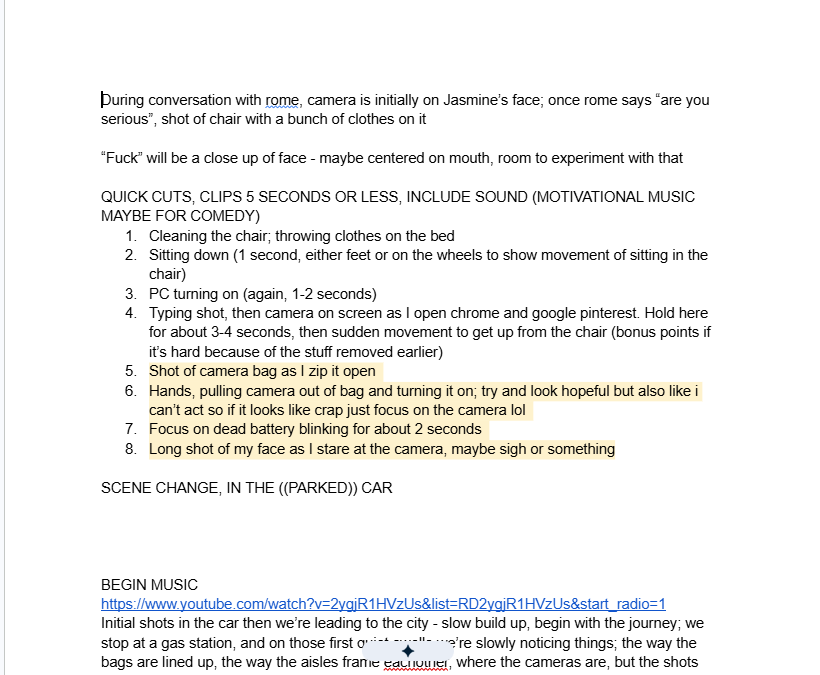
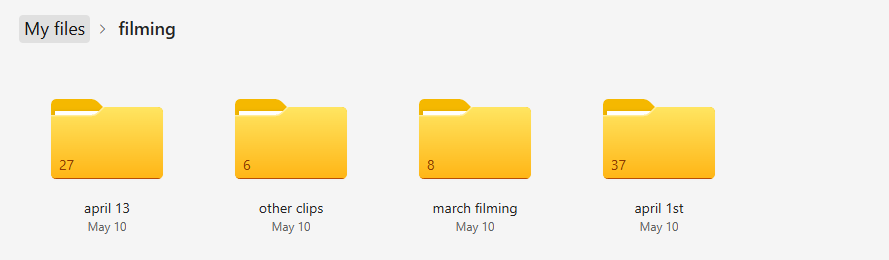
Filming began after I was able to acquire an audio I liked for the video I wanted to create. I sourced the audio for this film from the website Beatstars, and after ensuring the proper documents were obtained, I began drafting up a script and locations for where filming would take place. I filmed for 4 days total, filming by myself for 3 of the 4.
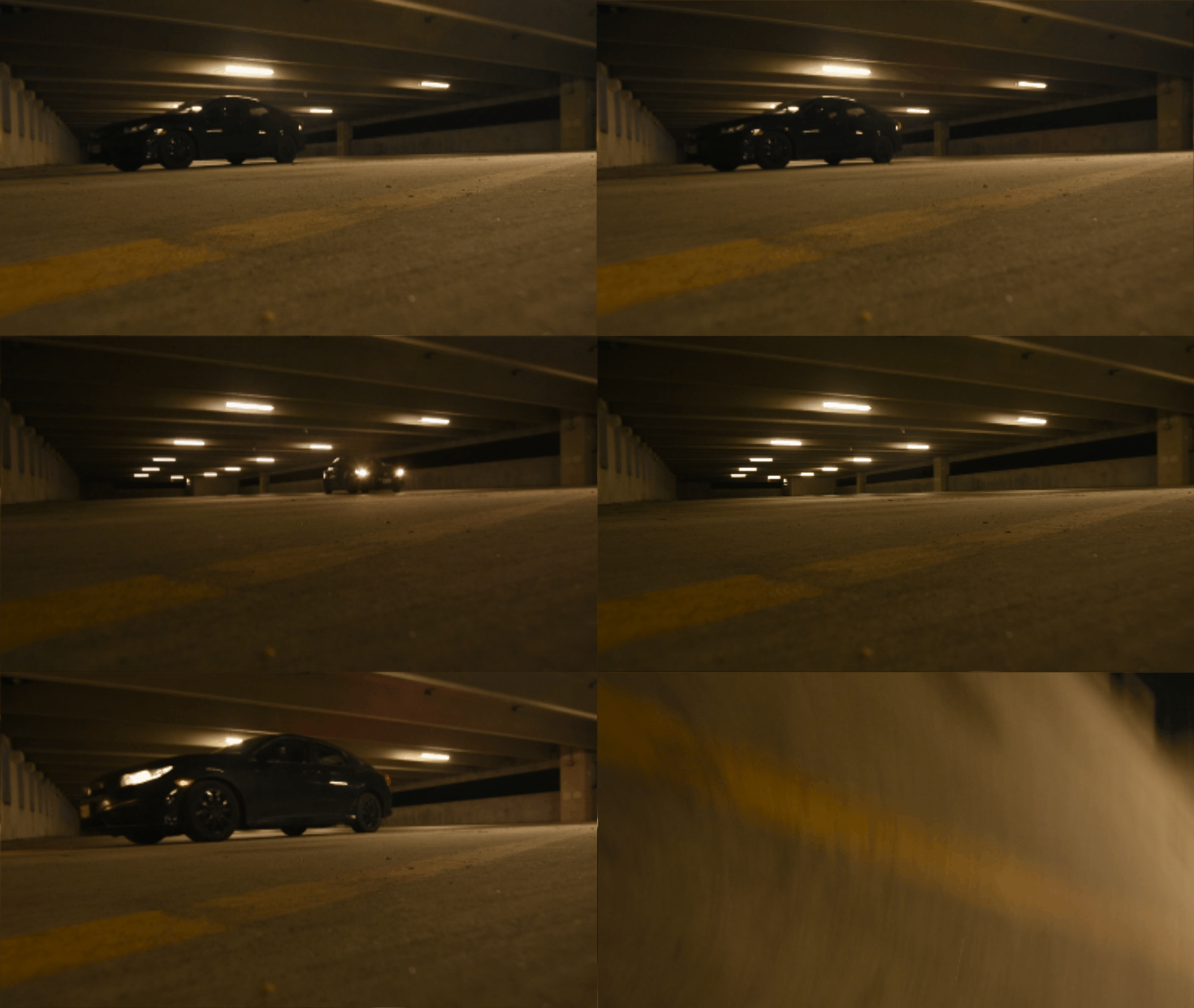
For a majority of the filming process, I operated using two separate cameras; my personal Nikon D7200, and a school provided Panasonic DMC-FZ300. As I was filming alone, I chose to film at night. In order to film myself 'filming', I needed to leave my personal camera on the tripod, and honestly I just liked the freedom of filming alone. Repeatedly, I'd position the camera, walk into the shot as a test, and watch it back to adjust. 
EDITING​​​​​​​
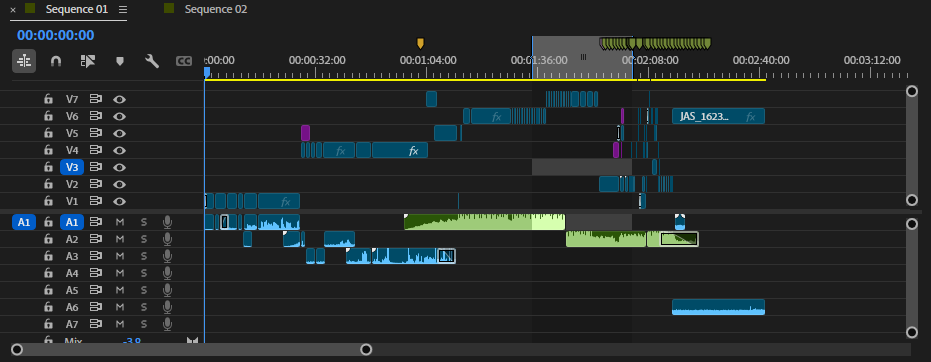
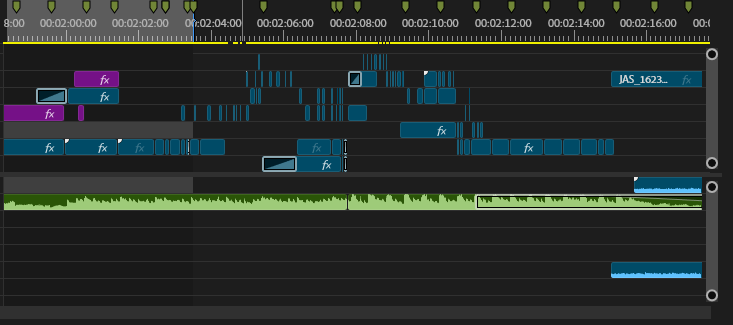
I edited this project using Premiere Pro. The green segments represent the music itself; I felt due to the abstract nature of the film, having the entire song's runtime would render it a bit repetitive. Using the audio levels and listening to the segment an unspeakable number of times, I cut the audio down about a minute. 
I purchased the track, Ghost Girl by Alyxrain via Beatstars, due to the interesting layered sound it had on top of it's beat. Using green markers, I marked each beat, then looping segments to properly time effects and clip transitions to the ambient noise. While the bottom layer video moves to the green marker, the upper layer videos move to the synthetic noise instead.
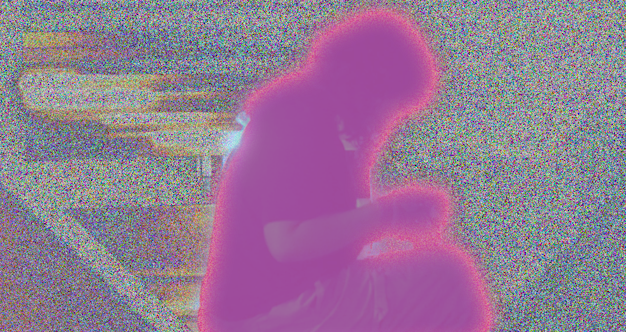
With editing, this music video contains masking, overlays, noise, and Premiere effects such as Wonder Glow and Mosaic.
Back to Top